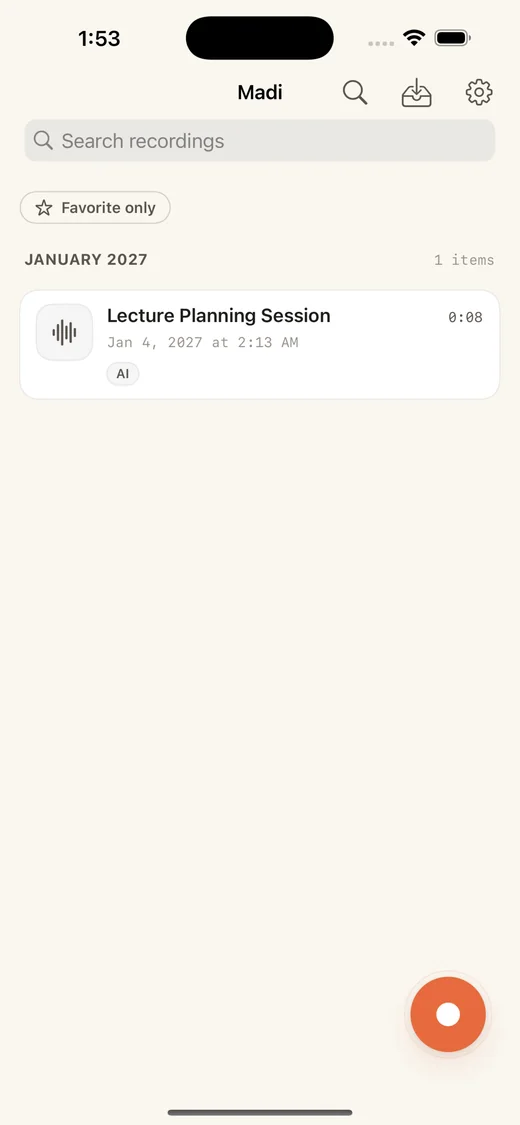
Start recording
Open any recording from one list.
Keep one recording running. Add photos, videos, and notes as they happen. Later, tap a marker or transcript timestamp to go back.
Photos, videos, and notes mark moments in the recording. Transcript timestamps take you back.
Open any recording from one list.
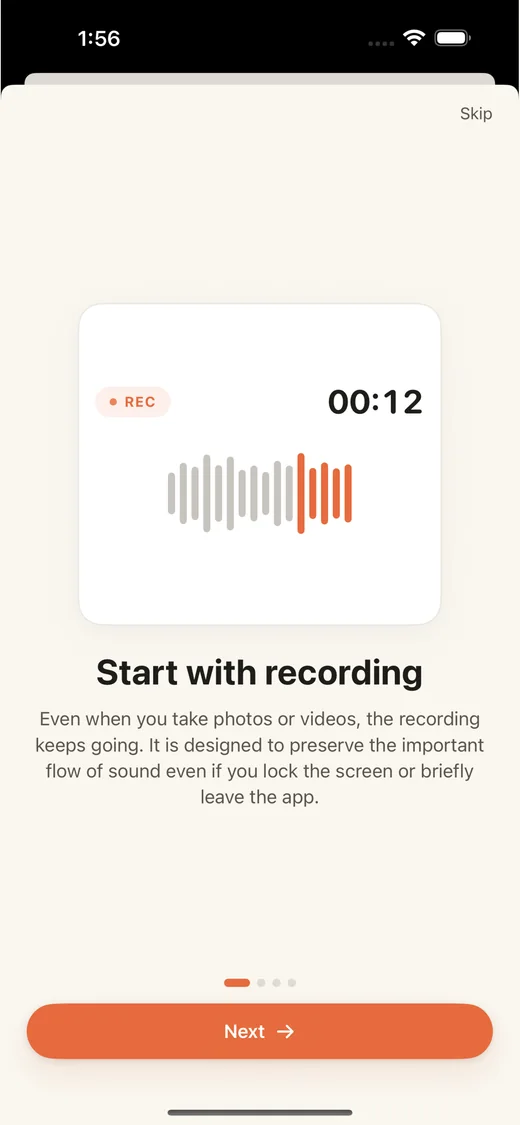
Take photos, record video, lock your phone, or switch apps. The audio keeps running.
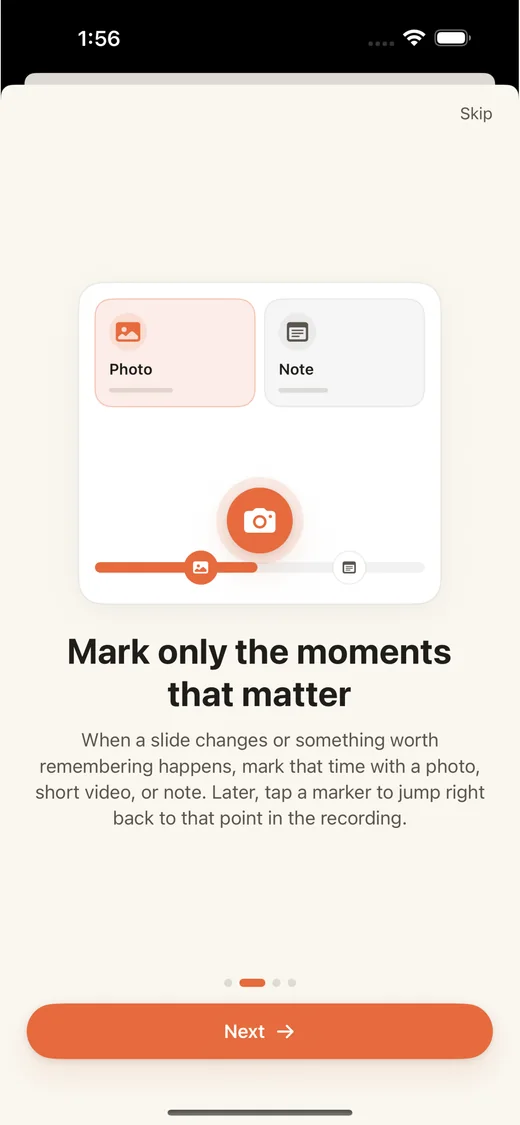
Add a photo, short video, or note at the point it happens.
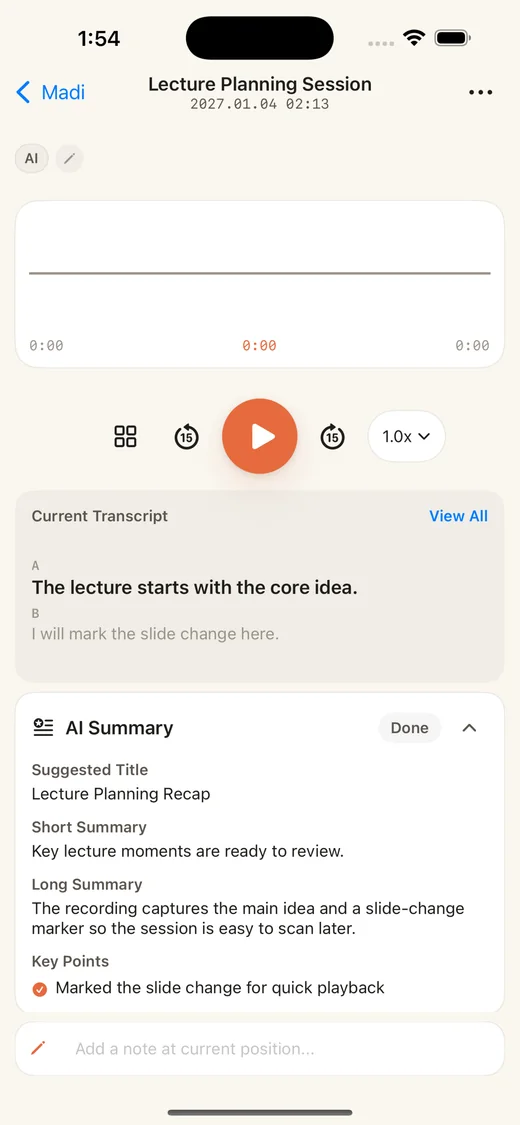
Play the recording, read its transcript, and view the summary.
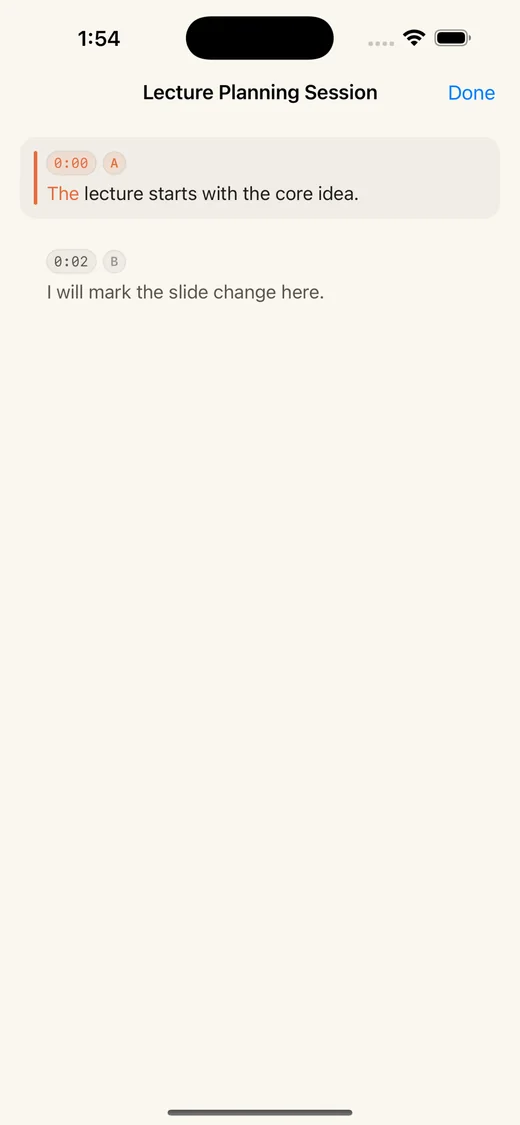
Read as the recording plays. Tap a timestamp to jump.
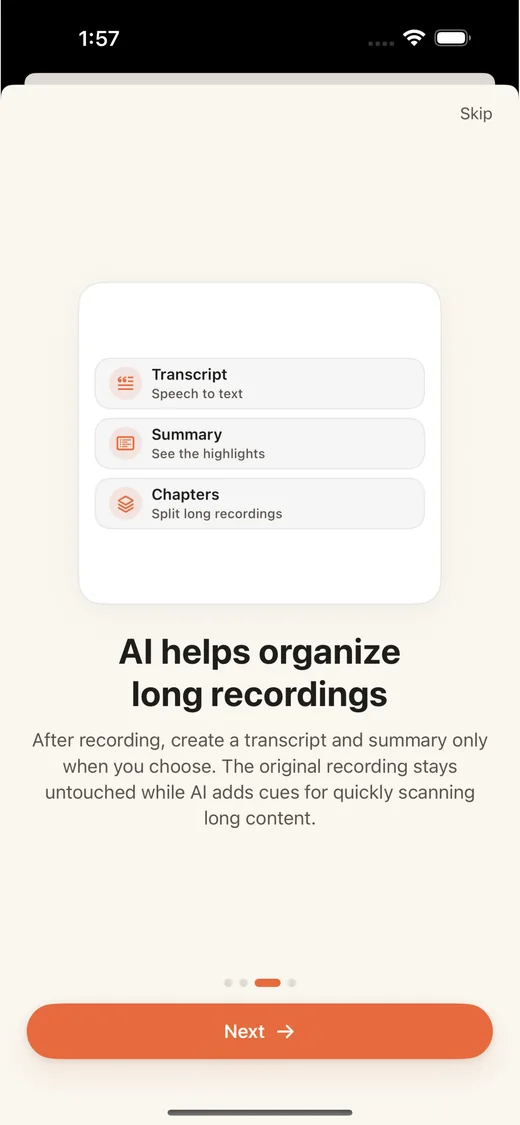
After recording, create a transcript, summary, and chapters.
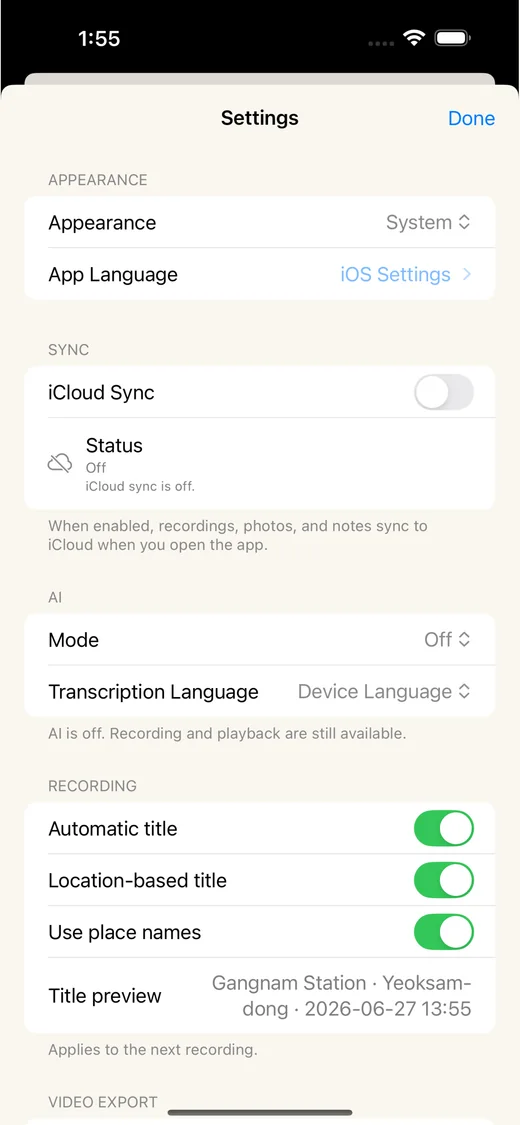
Choose appearance, sync, AI, and recording title options.
For lectures, meetings, field notes, and live events where you need to return to a specific part of the recording.
Tap a marker or timestamp to replay that part.
Capture slides, whiteboards, field details, and short clips without stopping the audio.
Recordings, photos, and videos stay on your device.
Record without creating an account or sending content to Madi.
Madi does not require an account or a server for your recordings. Audio, photos, and videos are stored on your device.
View the privacy policy